Mm..Terminal
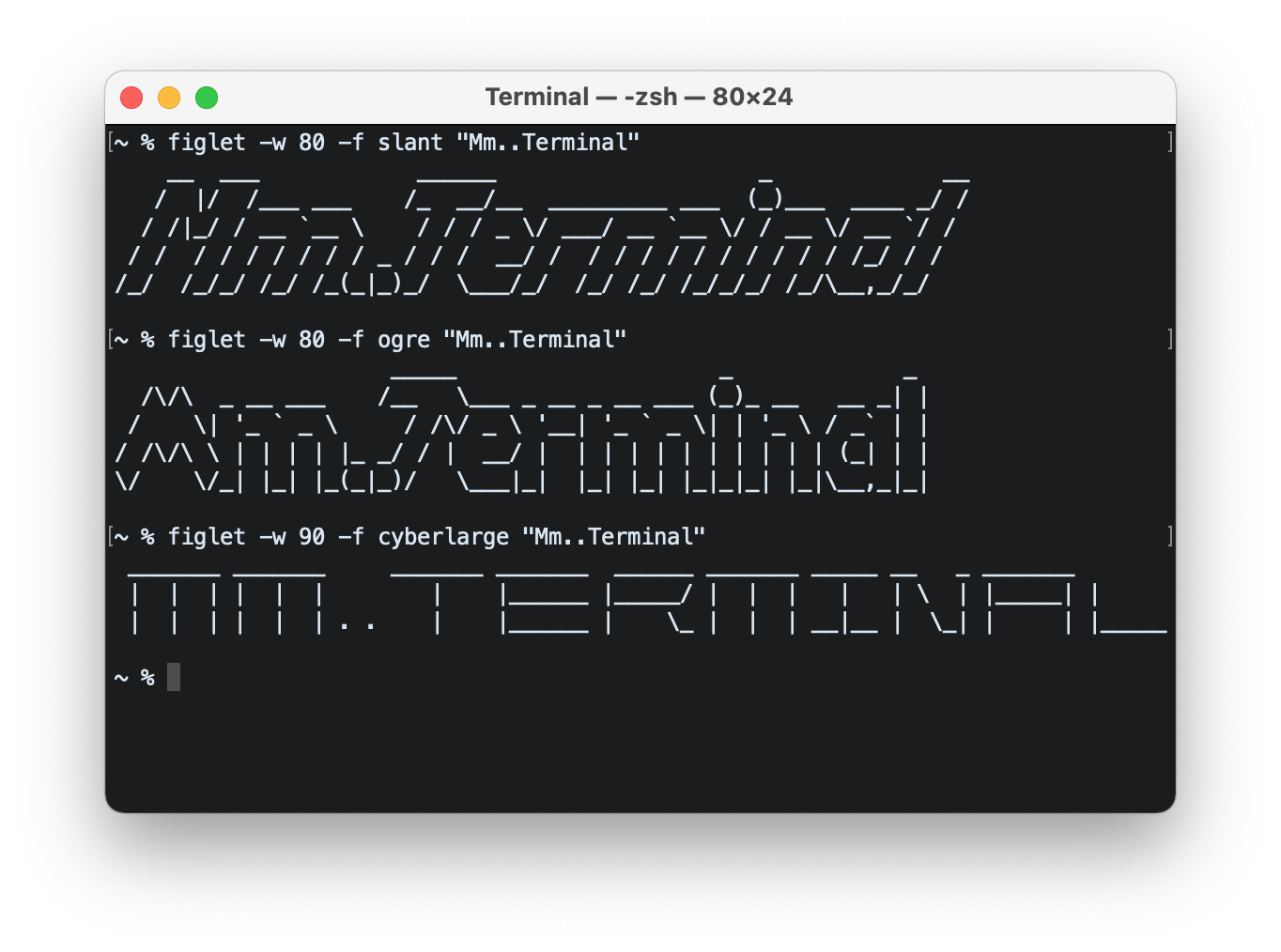
This post is about customising the look of Terminal on macOS. A number of nice themes are included with it (I enjoy Homebrew, among others), and can be selected in Preferences (cmd + comma).
I am a fan of Nova, the text editor. It offers four beautiful themes, which i wanted to make available for Terminal. Here they are: github link.
Extras
Colorized output for ls
Run alias ls to check if an alias already exists for ls. If it returns ls ='ls -G', you don’t need to continue.
If nothing is returned, you can change the default behaviour of the ls command by creating an alias for it: echo "alias ls='ls -G'" >> ~/.zshrc. From then on, ls will mean ls -G (the “-G” option means “enable colorized output”). Reload your terminal profile to updated the configured aliases: source ~/.zshrc.
For troubleshooting, see this stackexchange q&a.
Custom prompt
The prompt is the part that comes before the blinking cursor on the command line.
- do
echo $PS1to output current settings. Result could be:%n@%m %1~ %#, where:%nstands for the current username%mstands for the computer’s name, etc.- see (this page)[https://zsh.sourceforge.io/Doc/Release/Prompt-Expansion.html#:%7E:text=The%20full%20machine%20hostname] for more on “prompt sequences”
- surround each element like
%nwith%F{1}on the left and%fon the right (you should replace1with a colour code from 0 to 15):export PS1="%F{1}%n%f@%F{2}%m%f %F{3}%1~%f %F{4}%#%f "
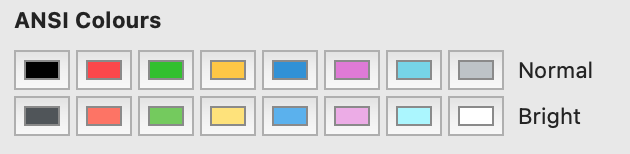
Move the mouse pointer over the ANSI Colours pickers, to see colours 0 thru 15: